
iOS 27 Update Released Today: How to Download, Compatible iPhones and New Features
Apple has released iOS 27 on September 14. Check compatible iPhones, download steps, Siri AI, Apple Intelligence features and important things to do before updating.


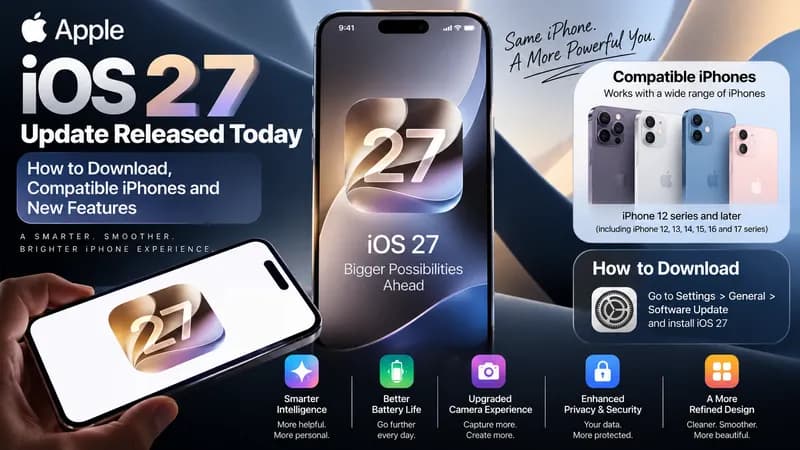
Apple has started rolling out iOS 27 from September 14, 2026, bringing a major software update to compatible iPhone models. The new operating system was first previewed at WWDC 2026 and subsequently went through developer and public beta testing before the stable release.
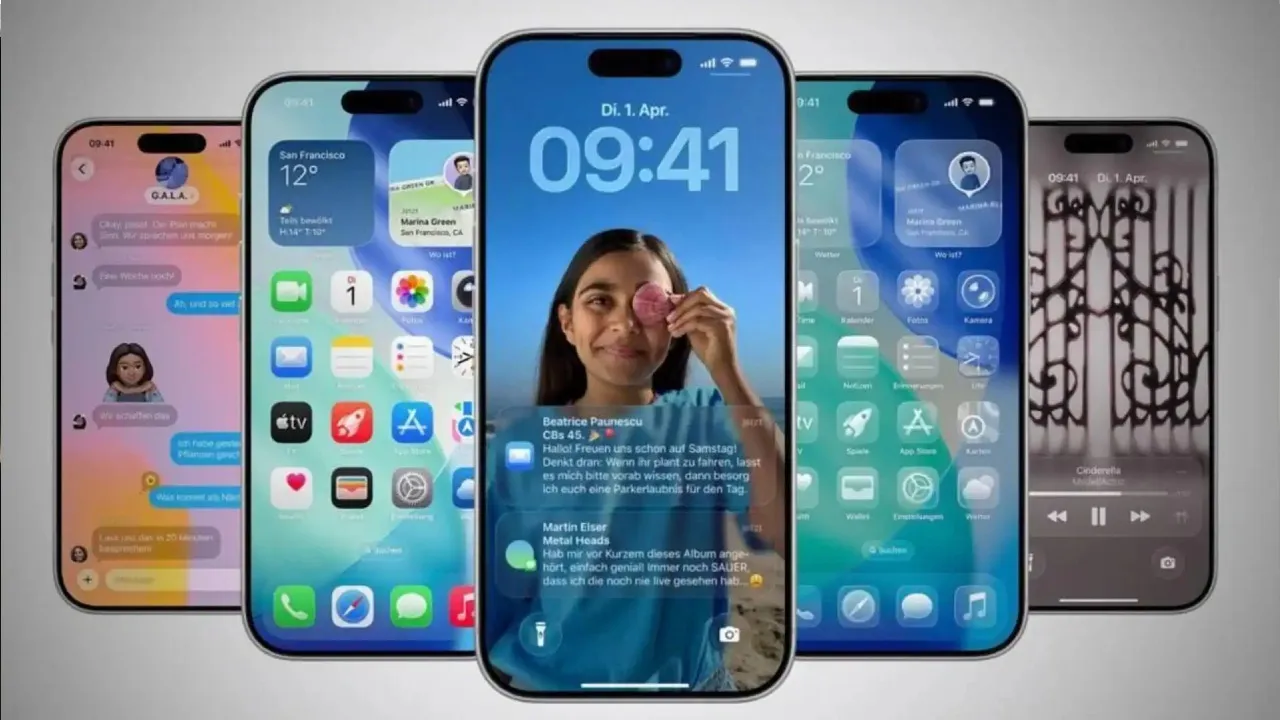
The biggest headline is Siri AI, which Apple is introducing as a significantly more capable and personalised version of its voice assistant. iOS 27 also expands Apple Intelligence, adds more customisation to the Liquid Glass interface, improves several built-in apps and introduces new health, parental-control and performance features.
The update is free for supported iPhones, although Apple does not necessarily make a major software release visible on every eligible device at precisely the same moment.
iOS 27 release date: When is the update available?
Apple has confirmed that iOS 27 is available from September 14, 2026. The company has not guaranteed that every iPhone will receive the update at exactly the same time, so users should not worry if the update does not immediately appear on their device.
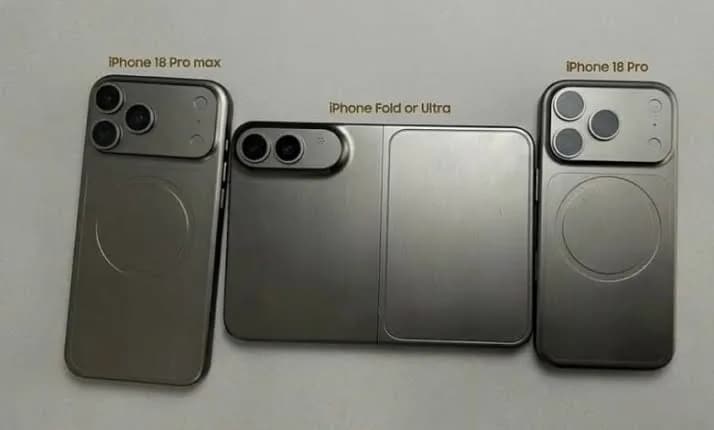
Apple's newly launched iPhone models will ship with the latest software. The company's first foldable iPhone, iPhone Duo, is listed with iOS 27.1 for its launch, while iOS 27 begins rolling out to existing compatible iPhones.
How to download iOS 27 on your iPhone
The simplest way to install iOS 27 is directly from the iPhone.
Go to Settings > General > Software Update.
If iOS 27 is available for your device, it will appear on the Software Update screen. Tap Download and Install, then follow the instructions displayed on the screen.
Apple also allows users to enable automatic updates through:
Settings > General > Software Update > Automatic Updates
If iOS 27 does not appear immediately, check the Software Update page again later. You can also update an iPhone using a Mac or PC. When connected to a Mac, the iPhone can be selected in Finder, followed by General > Check for Update, after which the update can be downloaded and installed.
Which iPhones are compatible with iOS 27?
Apple's official compatibility list extends back to theiPhone 11 series and second-generation iPhone SE. The supported models include:
- iPhone Duo
- iPhone 18 Pro Max
- iPhone 18 Pro
- iPhone 17 Pro Max
- iPhone 17 Pro
- iPhone Air
- iPhone 17
- iPhone 17e
- iPhone 16 Pro Max
- iPhone 16 Pro
- iPhone 16 Plus
- iPhone 16
- iPhone 16e
- iPhone 15 Pro Max
- iPhone 15 Pro
- iPhone 15 Plus
- iPhone 15
- iPhone 14 Pro Max
- iPhone 14 Pro
- iPhone 14 Plus
- iPhone 14
- iPhone 13 Pro Max
- iPhone 13 Pro
- iPhone 13
- iPhone 13 mini
- iPhone 12 Pro Max
- iPhone 12 Pro
- iPhone 12
- iPhone 12 mini
- iPhone 11 Pro Max
- iPhone 11 Pro
- iPhone 11
- iPhone SE (2nd generation and later)
However, compatibility with iOS 27 does not mean every iPhone gets every new feature.
Which iPhones get Apple Intelligence and Siri AI?
This is one of the most important differences between older and newer iPhones.
Apple says Apple Intelligence and Siri AI require supported newer hardware. Apple Intelligence is available on iPhone 16 models and later, as well as the iPhone 15 Pro and iPhone 15 Pro Max.
Therefore, an iPhone 11 can run iOS 27, but it will not receive the complete Apple Intelligence experience.
There is also a language limitation at launch. Siri AI is rolling out in beta in English on September 14, with French, Japanese, Korean, Portuguese and Spanish support scheduled for October.
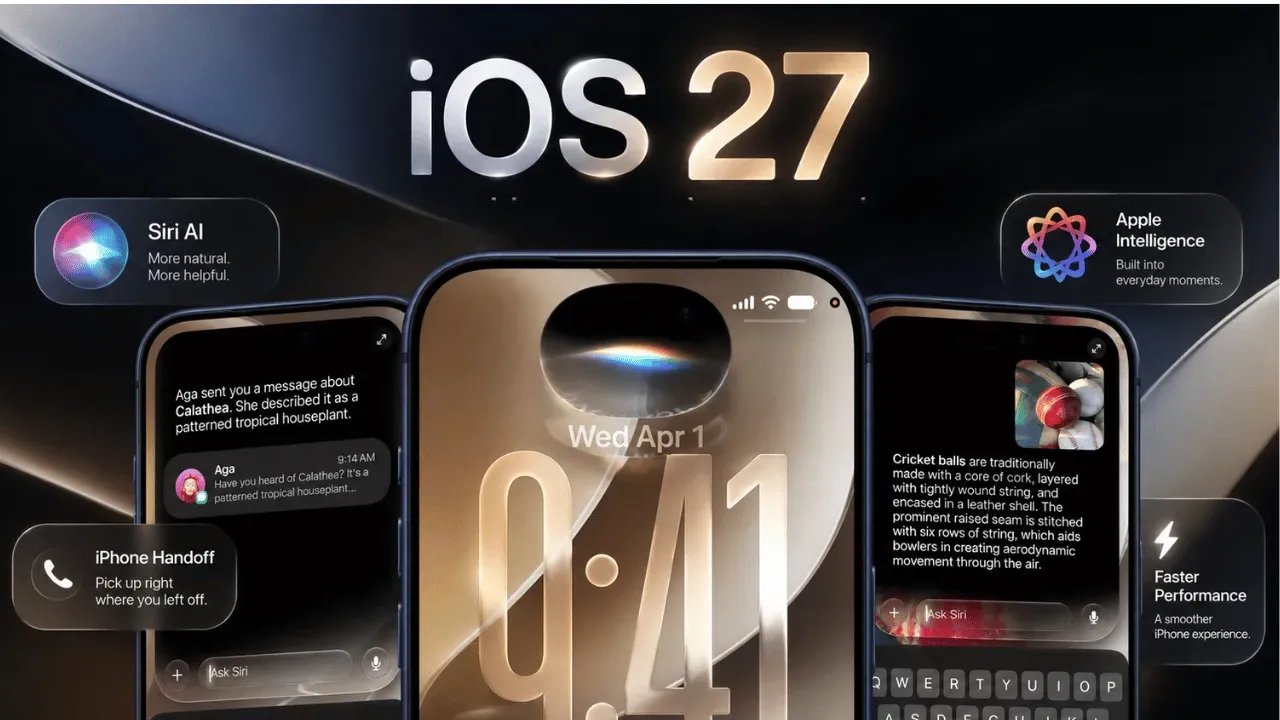
iOS 27's biggest feature: Siri AI
The headline feature of iOS 27 is the new Siri AI.
Apple describes the new Siri as more capable, conversational and personal. It can understand more natural requests and is designed to work with information across supported apps and the user's context.
The new capabilities are intended to allow Siri to help with tasks rather than simply answer basic questions. Apple has also integrated Siri more deeply with Apple Intelligence and supported apps.
The company is initially releasing Siri AI in beta, so its capabilities and availability may continue to evolve after the iOS 27 launch.
Visual Intelligence gets more powerful
iOS 27 also expands Visual Intelligence, allowing the iPhone to analyse what the user is seeing.
Users can use the camera to examine objects and scenes, ask questions about what appears in front of them and perform supported actions. Visual Intelligence can also work with on-screen content.
This takes Apple's AI strategy beyond text-based assistance and connects the camera, screen and Siri more closely.
Liquid Glass gets more customisation
Apple introduced the Liquid Glass visual language with the previous major iOS generation, and iOS 27 gives users additional control over the interface.
A transparency or intensity adjustment lets users customise the appearance of Liquid Glass elements. The change is particularly useful for people who prefer a more readable or less transparent interface.
Apple is also making changes to icons, widgets and other interface elements as part of the broader iOS 27 redesign.
Photos gets new AI-powered tools
The Photos app receives several Apple Intelligence-powered improvements.
Among the new tools are Spatial Reframing and an upgraded Clean Up feature. Apple is also expanding AI-powered editing capabilities, allowing users to make more sophisticated changes to images.
These features are designed to make image editing more accessible without requiring a dedicated third-party editing application.
AirDrop gets faster
Apple is also promising significant performance improvements across iOS 27.
According to Apple's performance claims, AirDrop transfers can be up to 80% faster, while app launches can be up to 30% faster under Apple's test conditions.
These figures should not be interpreted as a guaranteed speed increase for every iPhone or every usage scenario. Apple's tests were conducted on specific hardware and under particular conditions.
Safari gets smarter tab organisation
Safari receives improvements to help users manage large numbers of open webpages.
The browser can automatically organise related tabs according to topics, making it easier to find webpages belonging to the same subject.
Apple is also adding features designed to monitor webpages for changes, including changes related to product availability.
New parental controls in iOS 27
Apple has expanded parental controls in the new operating system.
The changes include options around Ask to Browse, Ask to Buy, contact approvals, time allowances and scheduling.
These additions give parents more granular control over how children use apps, communicate and access online content.
Health app gets new features
The Health app is also receiving meaningful updates.
Apple is expanding Cycle Tracking with information related to perimenopause and menopause, including support for tracking relevant symptoms and cycle changes.
The company is also expanding health and fitness functionality and adding new capabilities to supported accessories and services.
What should you do before installing iOS 27?
Before installing any major operating-system update, it is sensible to prepare the iPhone.
First, back up important data using iCloud or a computer. This provides an additional safety net if something goes wrong during the update.
Also check that the iPhone has sufficient free storage. A major software update needs space both for downloading the installation package and completing the installation process.
Users should also:
- Connect the iPhone to a reliable Wi-Fi network.
- Keep the device connected to power during installation.
- Make sure important photos, files and other data are backed up.
- Check that there is enough available storage.
- Keep the Apple Account password available in case it is requested.
- Update important apps, particularly banking, work and authentication apps.
Should you install iOS 27 immediately?
For most compatible users, installing the stable iOS 27 release is a straightforward way to receive Apple's latest security, performance and feature improvements.
However, users who depend heavily on their iPhone for work, banking or other critical tasks may want to make sure their essential apps are compatible and updated before installing a major operating-system upgrade.
Older iPhones also need to be viewed differently from newer Apple Intelligence-enabled models. While the iPhone 11 and other older devices can run iOS 27, some of the headline AI capabilities require newer hardware.
iOS 27: What's new at a glance
The iOS 27 update brings changes across AI, interface design, apps and performance.
The biggest additions include Siri AI, expanded Apple Intelligence, Visual Intelligence improvements, new Photos editing tools, Liquid Glass customisation, smarter Safari tab organisation, faster AirDrop, expanded parental controls and new Health features.
Apple's latest software release therefore isn't just a visual update. It represents a broader push to integrate AI into everyday iPhone functions while improving the underlying performance and usability of the operating system.