

/
/
Here’s what Smart Routing is and how to enable it.And How we can create multiple UPI IDs In Google Pay.

Over the last many years, UPI or Unified Payment Interface has changed the way we make payments. Linked to bank accounts, UPI has become one of the most important mode of transaction. However, payment failures or slow payments can be a dampener while making these payments. Smart Routing is a way these payment failures can be avoided. Here’s what Smart Routing is and how to enable it.And How we can create multiple UPI IDs In Google Pay.

Your bank account is linked to your UPI ID. These installments are worked with through bank servers. Payments made using UPI may frequently fail due to an overload, server glitch, or other issue.
The Smart Routing feature comes into play at this point. Because it routes the transaction through the available servers (different UPI IDs for your account), acquiring an additional UPI ID increases the probability of payment success.
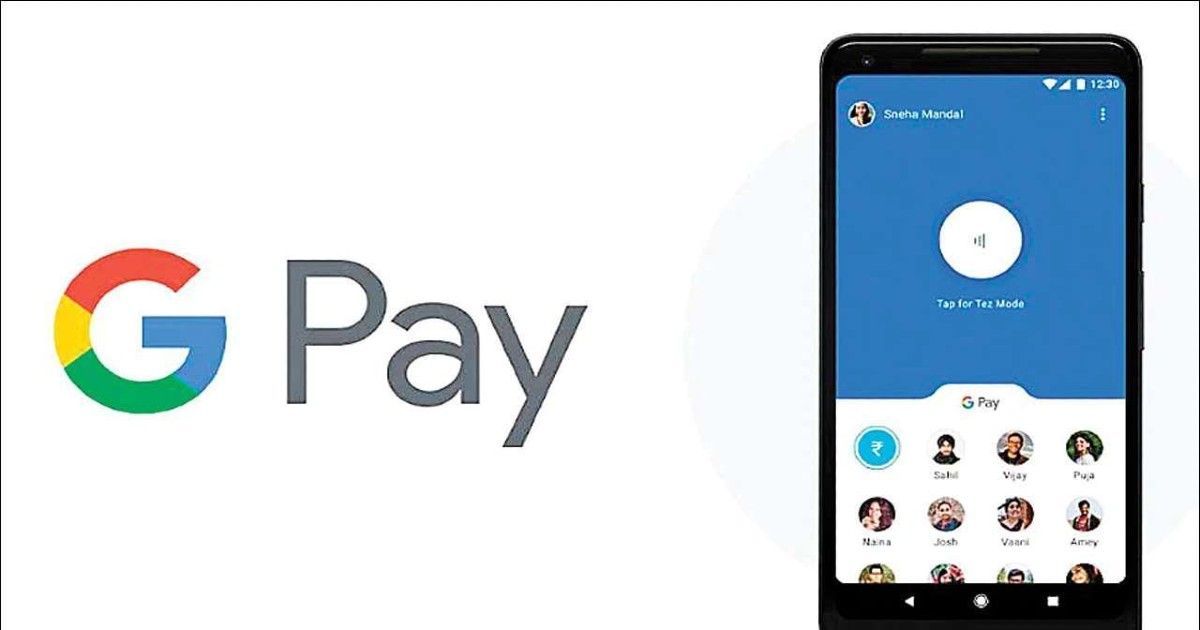
Up to four UPI IDs can be added to a customer's bank account. It is also possible to have multiple UPI IDs for the same bank account to avoid payment failures or delays when using UPI.

While setting up a new account, it is possible to create additional UPI IDs. The process can also be done after the account setup. Google Pay prompts users to add additional UPI IDs in case some payment gets stuck or fails. Here’s how to create additional UPI IDs:
Note: To activate UPI IDs, Google Pay sends an SMS on your behalf to partner banks. Standard SMS charges apply.
No, there are no changes. You will still transact from your bank account as usual. If you have extra UPI IDs, your transaction can be routed through an alternative UPI ID if there are unavailable payment routes.
Do note that if you log out of Google Pay, your bank accounts become inactive. Once you log back in, you’ll be notified to reactivate your bank account. And any extra UPI IDs that you created before will be reactivated too.